
IB Maths practice, with instant auto-grading.
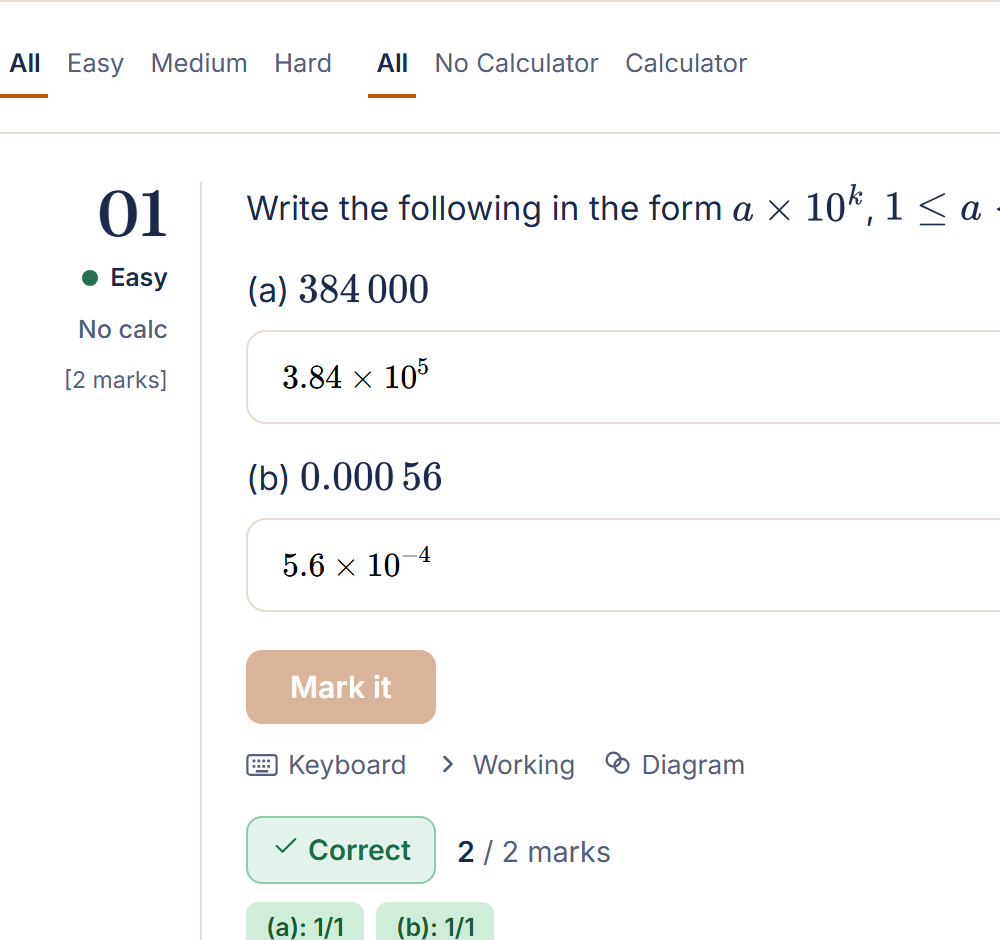
Type your answer, click Mark it, and get your result immediately. Every question has a full worked solution, an IB-style mark scheme, and, where the syllabus calls for one, a diagram to work from.
Two ways to practise
Whether you want to drill a specific topic or simulate real exam conditions, both modes are included.
Practice Questions
Browse by topic and sub-topic. One question at a time, auto-marked instantly.
Exam Questions
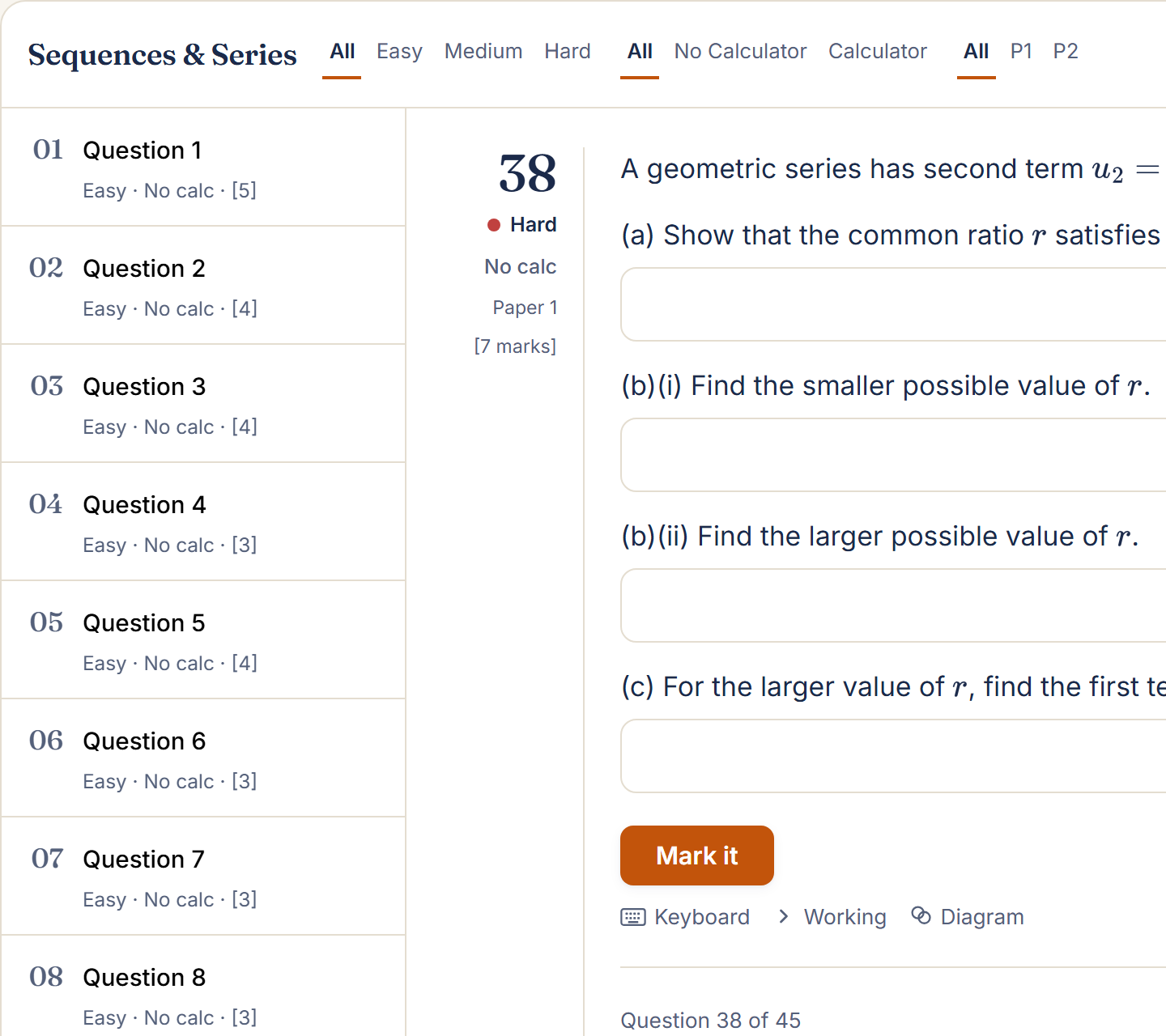
Full exam-style sets, organised the same way - with a Paper 1 / Paper 2 filter.
See exactly what you get
Real screenshots, not mockups - this is the site, unedited.
Real diagrams, not stock shapes
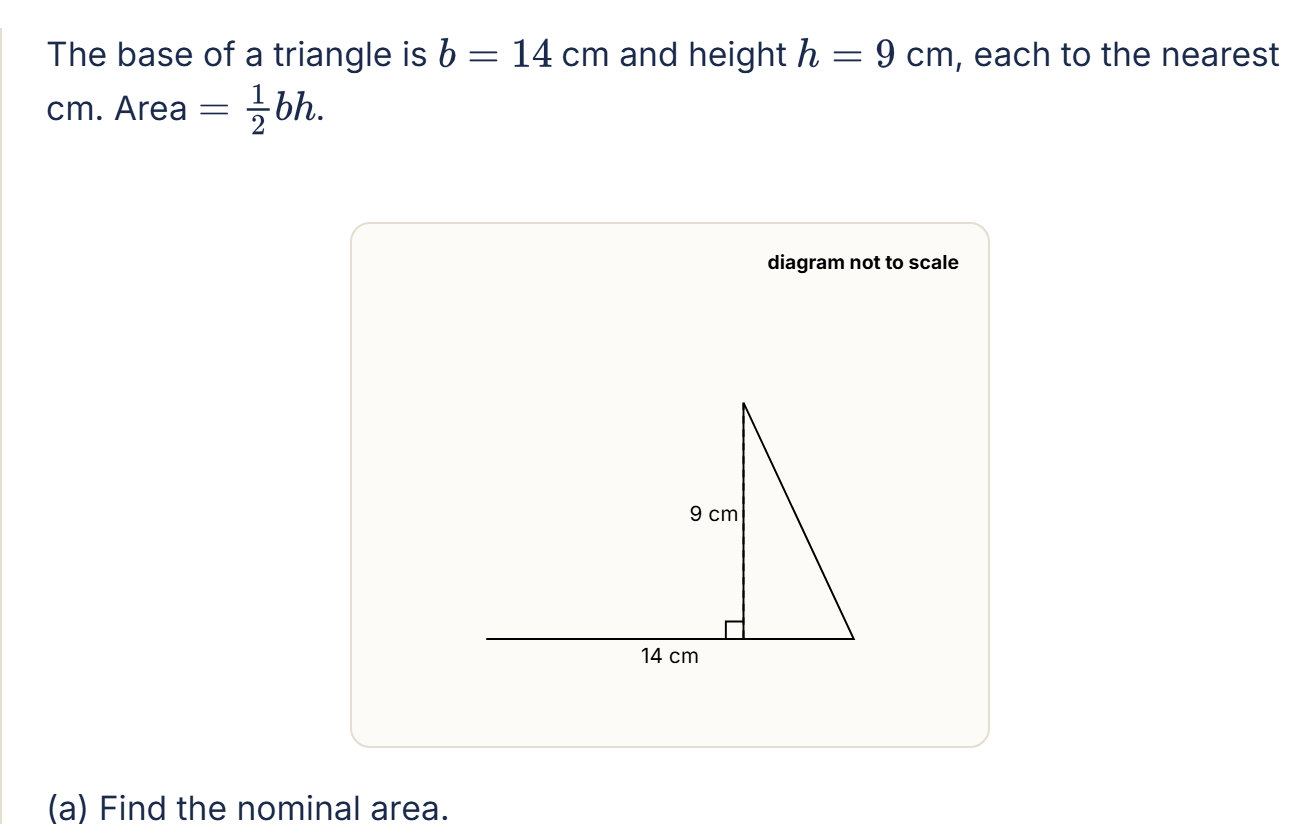
Every question that needs one gets a diagram drawn to that question's own numbers, labelled the way IB papers label theirs.
Every topic, properly organised
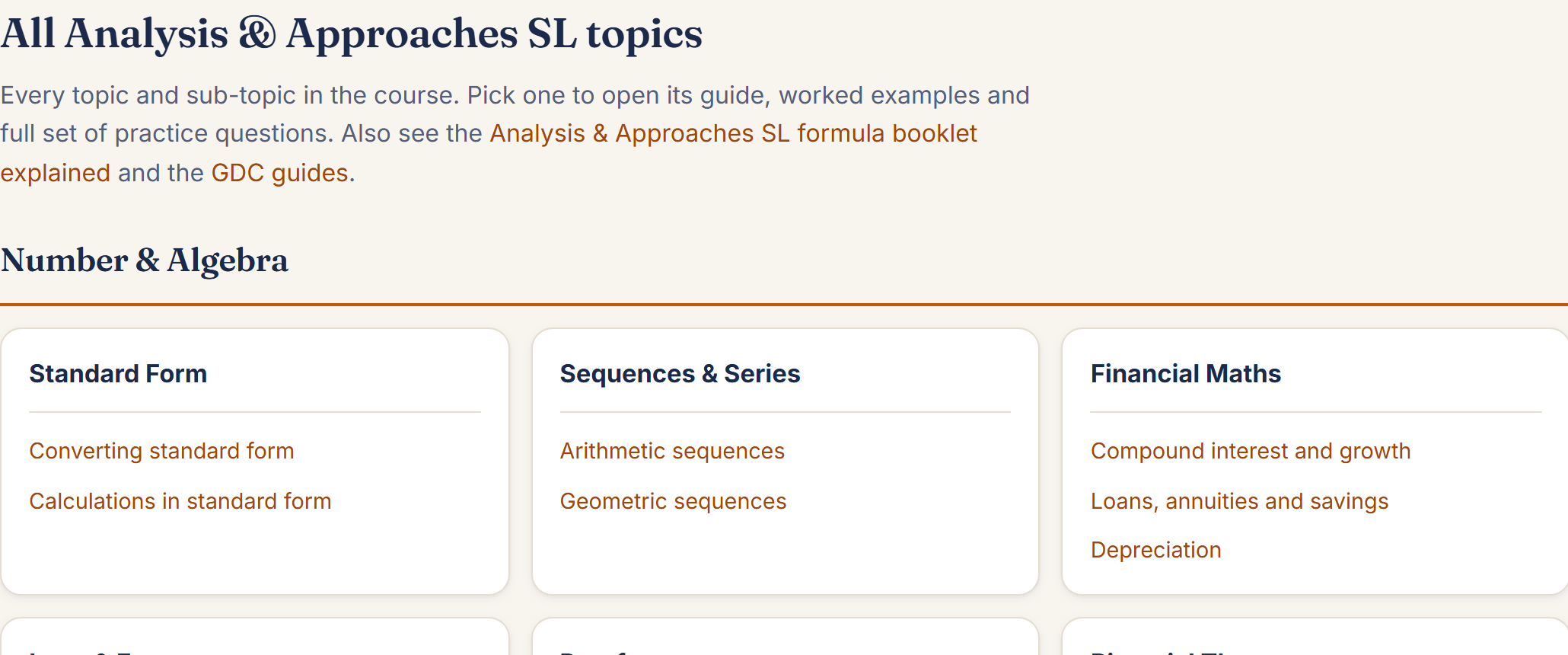
390+ sub-topics grouped into units across all four courses, so you can drill exactly the skill you're revising.
GDC guidance built in
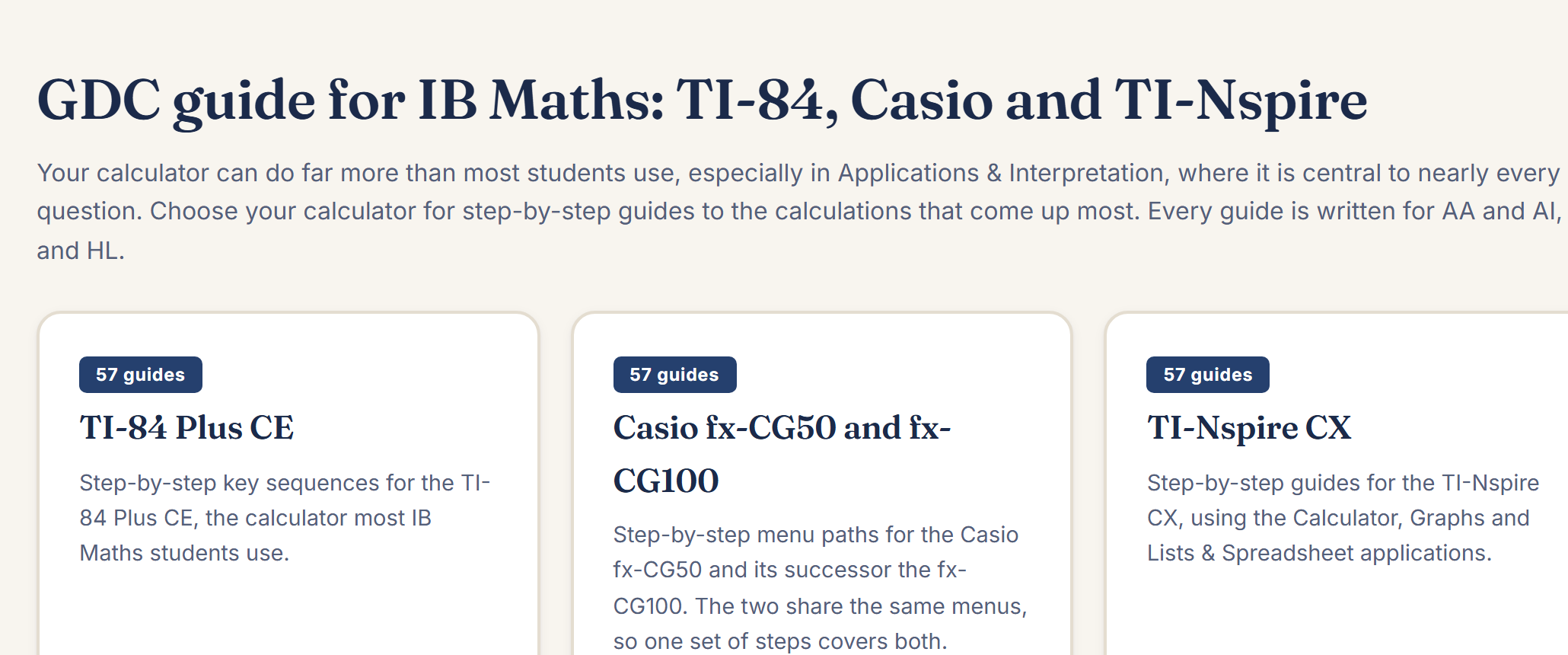
57 step-by-step guides for the TI-84 Plus CE, TI-Nspire CX and Casio fx-CG, with the exact keys to press.
Auto-graded answers
Type your answer and get it marked instantly. The grader handles fractions, surds, π multiples, expressions and polynomials, and you can adjust the mark if needed.
Full mark schemes
Every question has a step-by-step worked solution with IB-style mark tags (M1, A1, R1), so you can see exactly where each mark was awarded.
Calculator & non-calculator
Questions are labelled Paper 1 (no GDC) or Paper 2 (calculator), with marks shown, so you practise under the same conditions as the real exam.
Free study resources, not just questions
Two reference tools that live outside the question bank. Open them any time, no login needed.
Formula companion
105 formulas from the IB formula booklet, translated into plain English
Base times perpendicular height, where A is area, b is base length, h is perpendicular height.
Half of base times perpendicular height. Applies to any triangle.
GDC guide
57 step-by-step guides for the calculations that come up most
Turn the calculator on and make sure you're on the home screen (not in a menu or app).
TI-84 Plus CE
Type the expression using the number and operation keys. Press ENTER / EXE to get the answer.
All models
Track your revision. Build a test in minutes.
Progress tracking
Printable test builder
Pricing
Start free, then unlock the whole library with a single one-off payment - no subscription.
Free
- Sample topics in every course - Practice & Exam modes
- Full worked solutions & mark schemes
- Auto-graded answers
- Formula companion & GDC guide
Full access
- Every question across all four courses
- Practice Questions and Exam Questions
- Auto-graded answers & progress tracking
- One payment - no subscription, no auto-renewal, access until 1 July 2027
FAQ
Which IB Maths courses are covered?
All four IB Mathematics courses: Analysis & Approaches (SL and HL) and Applications & Interpretation (SL and HL), each built out across 390+ sub-topics, with over 10,200 questions in total.
Do the questions include diagrams?
Yes, wherever a real IB exam question would include a figure (geometry, 3D solids, statistics charts, graphs), so does ours, drawn precisely to that question's own numbers.
How does the auto-grading work?
You type your answer into a maths input field and click Mark it. The grader checks your answer instantly, handling integers, fractions, surds, π multiples, logarithms, and algebraic expressions.
Can teachers use this too?
Yes, the test builder lets a teacher pick topics, difficulty and paper type, then download a printable PDF test with a full answer key.
Is IB Maths Help free to use?
Yes. Every course has free sample topics with the same auto-marking, worked solutions and mark schemes as the paid content. Full access to every question is a one-off £75, not a subscription.
Is there a subscription, or is it a one-off payment?
It's a single one-off payment of £75, not a subscription. There's no auto-renewal, and full access lasts until 1 July 2027.
Is there an app?
Yes, IB Maths Help is available on Google Play, the Apple App Store and the Amazon Appstore, as well as in the browser.
Does it help with the Internal Assessment (IA)?
Yes. A separate IA guide covers topic ideas, the marking criteria, a planner and a pre-submission checklist, alongside the practice and exam questions.
Are these real IB exam questions?
No - every question is original, written to match the current syllabus and marked in the style of IB mark schemes. Copying real past paper questions would be a copyright breach, so none are used.
Ready to start practising?
Jump straight into any topic, it's free to try.
Prefer 1-to-1 tuition?
Online IB Maths tuition is also available: £50/hour, one-to-one sessions built around exactly what you need to work on.